


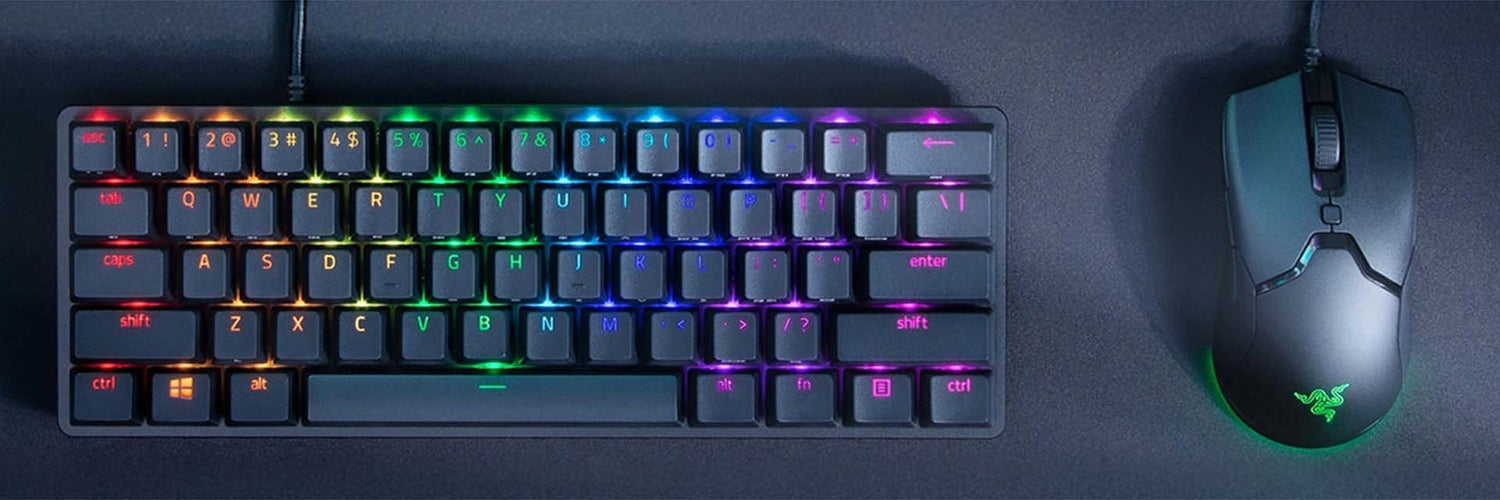
Using a keyboard and mouse on console is increasingly sought after by console players, but unfortunately compatibility is still unclear and not easy to understand. The requirements change depending on your console, on the brand of your keyboard and your mouse, and that makes the choice complicated. So what should you pick, and for which console? Let's clear all this up together so you can get the best peripherals and the most suitable ones for your console!
⚠️ The lack of information from manufacturers
PlayStation and Xbox both communicate about the compatibility of their consoles with keyboards and mice, but both manufacturers are very clear on 1 point: you can't be sure that any mouse and any keyboard will be 100% functional with the console. Most peripherals will be able to connect and work on your console, but unfortunately not all console games are compatible with keyboard and mouse, which means you'll have to check your game in advance and find out whether it supports keyboard and mouse. But rest assured, if you're interested in keyboard and mouse on mainstream games like Call of Duty or Fortnite, you'll have no problem! However, manufacturers don't communicate about the 8K compatibility of your peripherals.
Here are a few keyboard and mouse bundles for every budget
🎮 Console compatibility
Unlike peripheral manufacturers, who often stay very quiet about the compatibility of their products with consoles, PlayStation and Xbox take a much more transparent approach. These two manufacturers communicate clearly about the compatibility of their accessories, whether with current or previous generations, giving players reliable and reassuring information.
🟢 🎮 Xbox communication
Xbox communicates transparently on their website; they even provide a list of keyboard shortcuts to make navigation easier on the Xbox site. Be careful though: as you'll see on the site, Xbox only communicates about wired keyboards and mice, so wireless compatibility can't be guaranteed.
🟢 🎮 Xbox page about keyboard and mouse compatibility
So here are a few wired options for every budget.
Note that even if the mouse you bought is wireless and doesn't work, you can always plug it in with the cable included in the box!
🔵 🎮 PlayStation communication
On the PlayStation side, the communication is just as transparent, and even clearer on certain points such as Bluetooth. Wireless is therefore available on PlayStation by going to Settings > Accessories > General > Bluetooth Accessories and searching for nearby Bluetooth peripherals; once your peripheral is paired, it will connect automatically to your console when you turn it on. For the mouse, several settings can be adjusted from the console, such as pointer speed or even left-handed and right-handed mode. For your keyboard, you can choose the keyboard language, the key repeat delay and its rate. Feel free to head over to the PlayStation website to find out more.
🔵 🎮 PlayStation page about keyboard and mouse compatibility
So here's a wide choice of peripherals for your PlayStation
🖱️ ⌨️ Is keyboard and mouse on console possible?
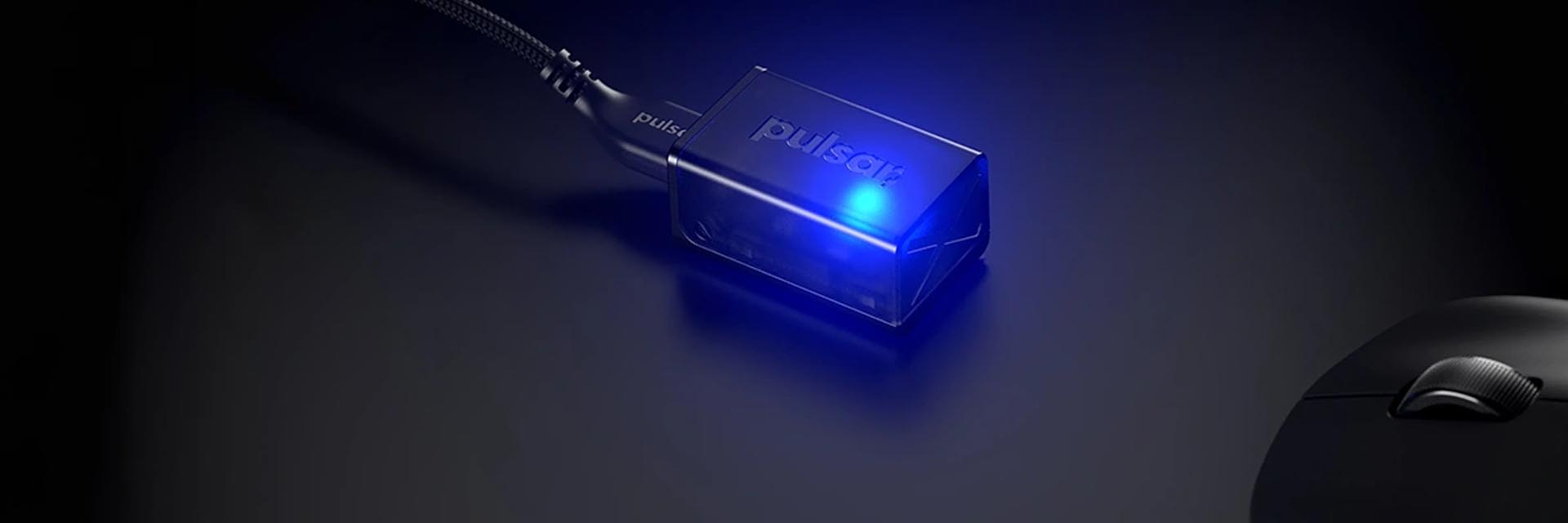
Well, the answer is yes, but before getting started you first need to do your research depending on your console and the games you want to play, and then all you'll have left to do is choose the peripherals you want and connect them using the methods described on the Xbox and PlayStation websites. But overall, a mouse and a keyboard will always be able to connect to your console; if it doesn't work wirelessly, you just need to plug it in with the cable provided. Just keep in mind that you'll never get 100% of a keyboard's or mouse's potential the way a PC can deliver it — you'll be able to play, but nothing guarantees all the features such as 8K and dongles.



Leave a comment
This site is protected by hCaptcha and the hCaptcha Privacy Policy and Terms of Service apply.